
码字不易,佬爷觉得有用来个🍗 
Uptimeflare 简介
- 依托 cloudflare 的探针/测速
- 依托 vercel 的 apprise 全平台通知(vx 除外)
实现 Serverless 的监控体验
原项目地址:GitHub – lyc8503/UptimeFlare: ✔ Free and serverless uptime monitoring / status page on Cloudflare Workers, with Geo-specific checks
演示站点: https://uptimeflare.pages.dev/
快速上手
Quickstart · lyc8503/UptimeFlare Wiki · GitHub
创建 Cloudflare API Key
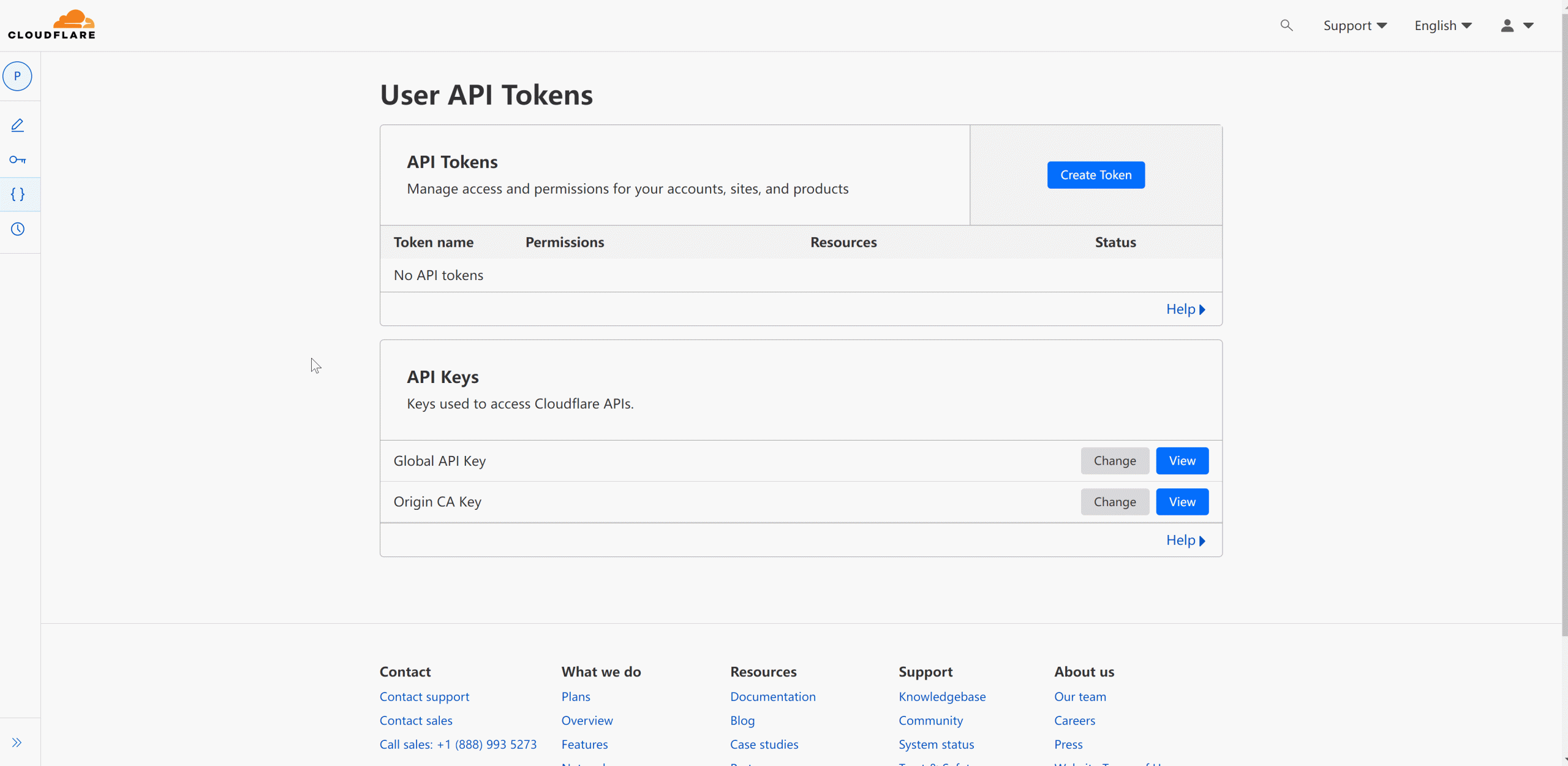
- 创建 Cloudflare API 令牌:在 https://dash.cloudflare.com/profile/api-tokens 创建一个 API 令牌,使用
Edit Cloudflare Workers模版
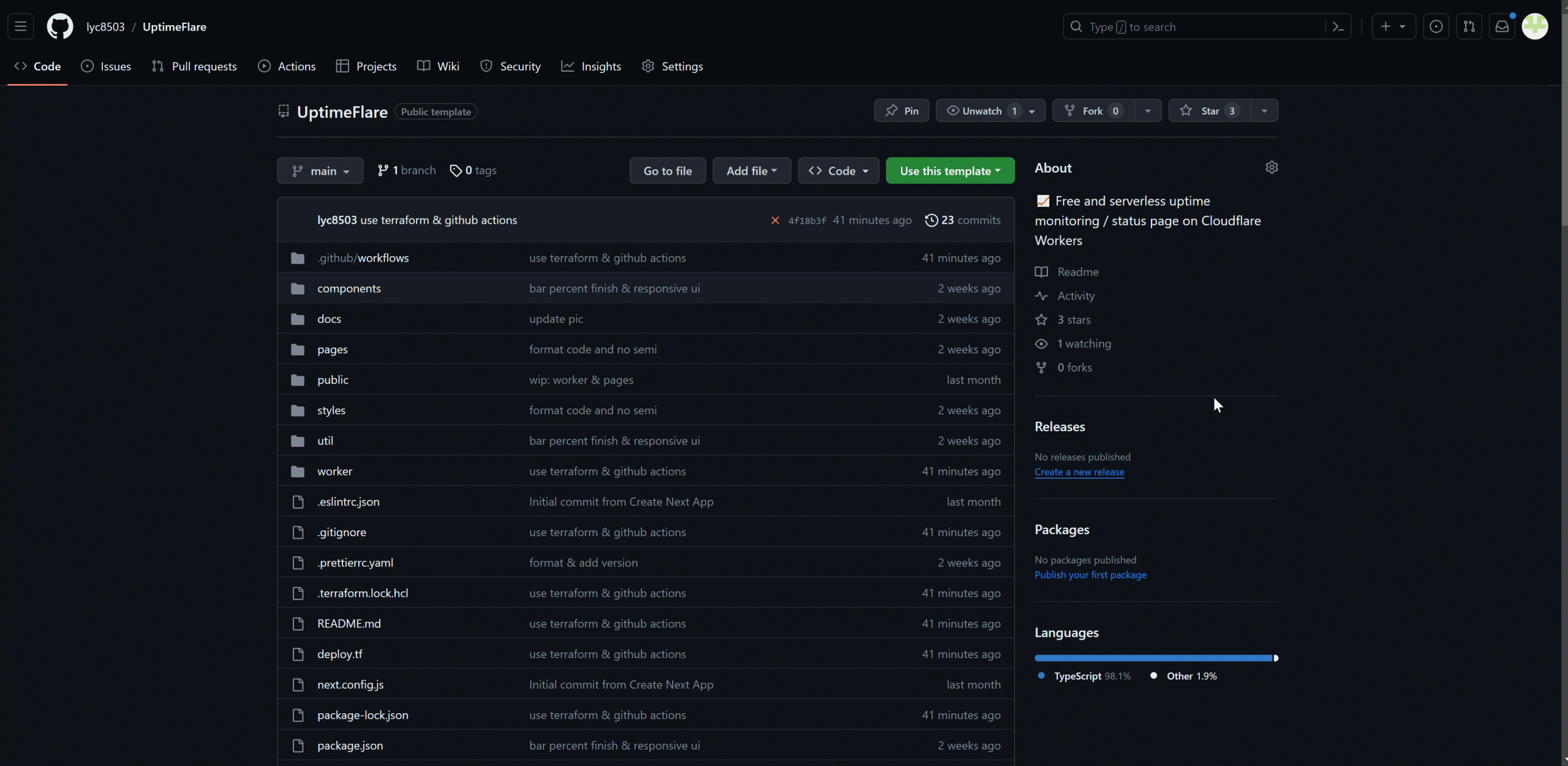
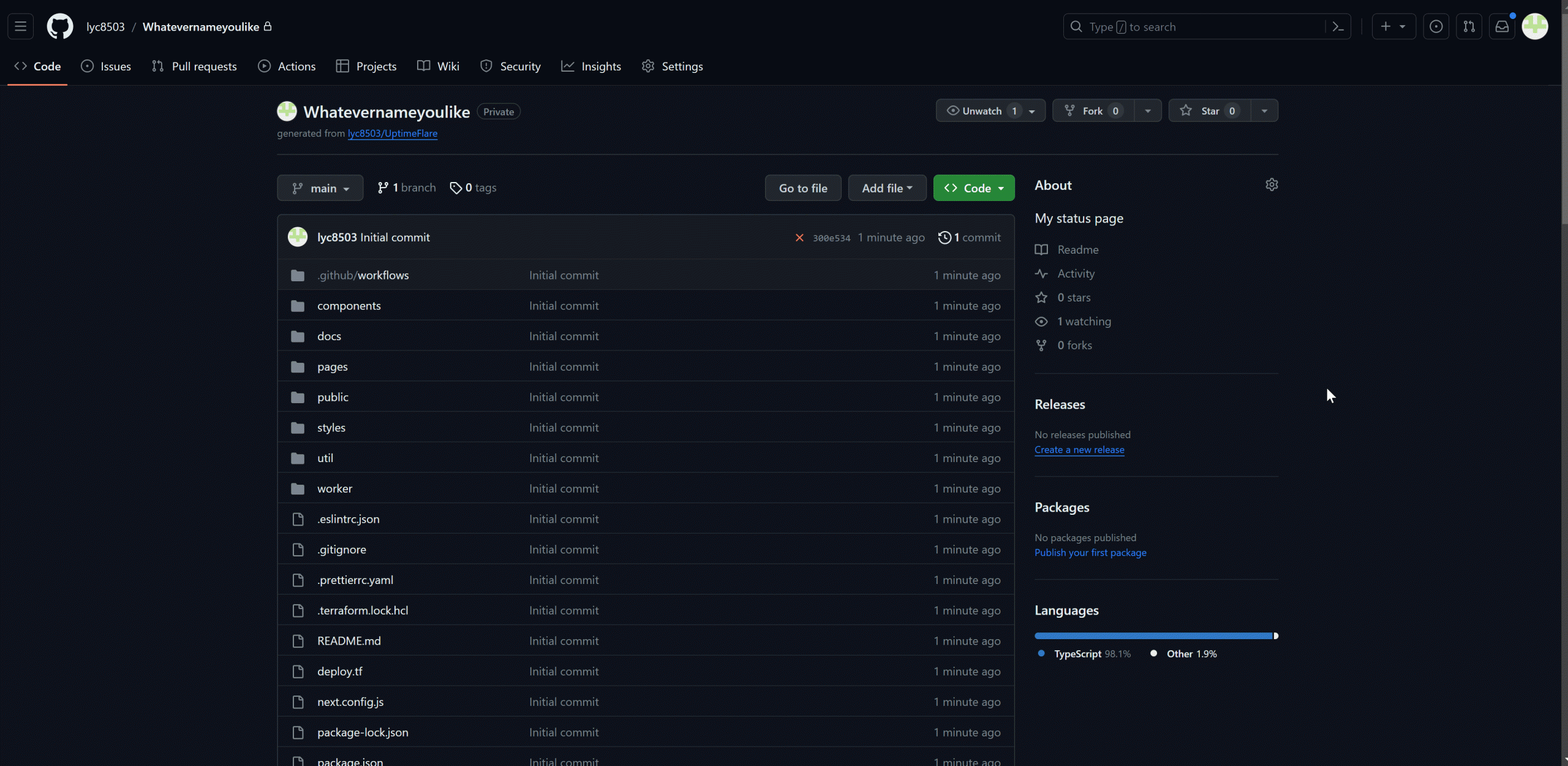
- 创建您自己的仓库:通过点击“使用此模板”在您的账户中创建此仓库的副本。您可以选择将其设置为私有,以防止他人看到您的监控定义。(您可以直接在其中包含令牌)。
- 设置令牌:在 GitHub 的“设置 – 密钥和变量 – Actions”中设置您的 Cloudflare API 令牌,创建一个密钥,键名为
CLOUDFLARE_API_TOKEN,值为您在第 1 步中获得的令牌。您的令牌将由 GitHub 安全存储。
- 设置文件:编辑位于您自己仓库根目录下的
uptime. config. ts文件,以定义您的监控并自定义您的状态页面,详细信息请参阅文档。编辑完成后,导航到Actions查看部署进度。当流水线成功时,您应该会在 Cloudflare 账户的`Workers & Pages”中看到状态页面已成功部署。 - 调整配置:要稍后更新或修改配置,只需再次编辑
uptime. config. ts文件。如果您的配置正确,流水线将自动获取您的更改并将其应用到您的 Cloudflare Pages。
配置编辑
Configuration · lyc8503/UptimeFlare Wiki · GitHub
没啥说的比较简单。填 ip 端口就行
配置通知
Setup notification · lyc8503/UptimeFlare Wiki · GitHub
- 打开上面这个网页,点击
Deploy按钮 - 完成后会生成一个链接,如:
https://testapprise-lyc8503s-projects.vercel.app,在后面加上/notify,即https://testapprise-lyc8503s-projects.vercel.app/notify,记录,这是appriseApiServer - 创建 telegram bot,tg 找 @botfather,生成新 bot,记录,这是
botToken - 填写
workerConfig.notification中的appriseApiServer和recipientUrl:
notification: {
  appriseApiServer: "https://testapprise-lyc8503s-projects.vercel.app/notify",
  recipientUrl: "tgram://botToken/chatId",
  // [Optional] timezone used in notification messages, default to "Etc/GMT"
  timeZone: "Asia/Shanghai",
  // [Optional] grace period in minutes before sending a notification
  // notification will be sent only if the monitor is down for N continuous checks after the initial failure
  // if not specified, notification will be sent immediately
  gracePeriod: 5,
},
修改测速节点
Check proxy setup · lyc8503/UptimeFlare Wiki · GitHub
在workingConfig/monitors下,为每个minitor单独加入一行
checkProxy: 'worker://apac' //亚洲节点
完整配置:
{
  id: 'google',
  name: 'Google',
  method: 'GET',
  target: 'https://www.google.com/',
  checkProxy: 'worker://weur'
}
其他节点区域
Data location · Cloudflare Durable Objects docs
| Parameter | Location |
|---|---|
| wnam | Western North America |
| enam | Eastern North America |
| sam | South America |
| weur | Western Europe |
| eeur | Eastern Europe |
| apac | Asia-Pacific |
| oc | Oceania |
| afr | Africa |
| me | Middle East |